HOOP JAM Beginner Guide: Your First 2v2 Game
Find bot practice, join a game, choose an arena and learn a simple passing routine before playing 2v2 with friends.
Start in the lobby
Open HOOP JAM by StacWorks using the official game link. The developer advertises 2v2 with friends or bots, quests, levels, balls, sneakers, outfits, dunk animations and effects. A server can hold more players than one 2v2 match; its capacity does not change the advertised match format.
Choose PVP or Practice
- Select PLAY at the bottom of the lobby.
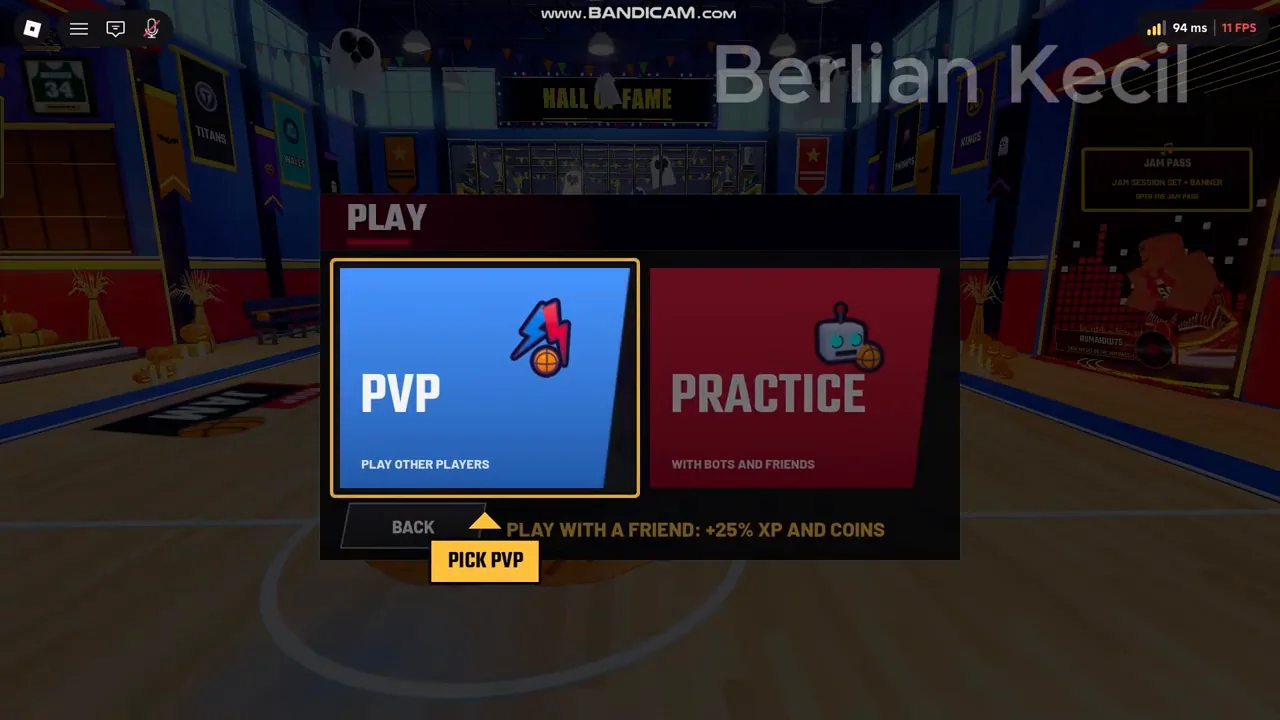
- Choose PRACTICE to play with bots and friends, or PVP for the competitive option shown in the menu.
- For PVP, the recorded tutorial directs you to SEARCH FOR MATCH. Wait for matchmaking and the player-loading screen to finish.
- For your first session, use PRACTICE to learn the current controls before relying on another player.
- Check the on-screen keyboard or controller prompts once the game starts. Older recordings show E for Pass/Steal, while the current official description lists F.
The PLAY menu in the reviewed recording presents PVP and PRACTICE as separate choices. The description under PRACTICE explicitly mentions bots and friends.
Matchmaking and arena selection
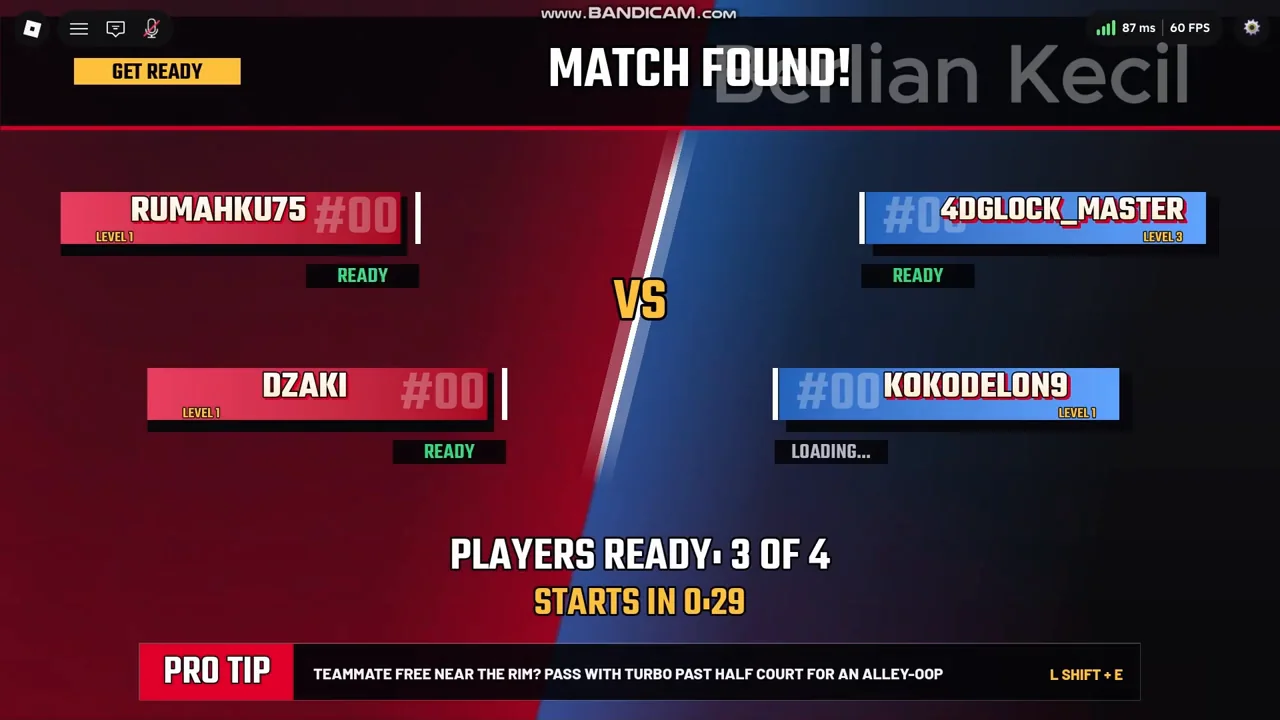
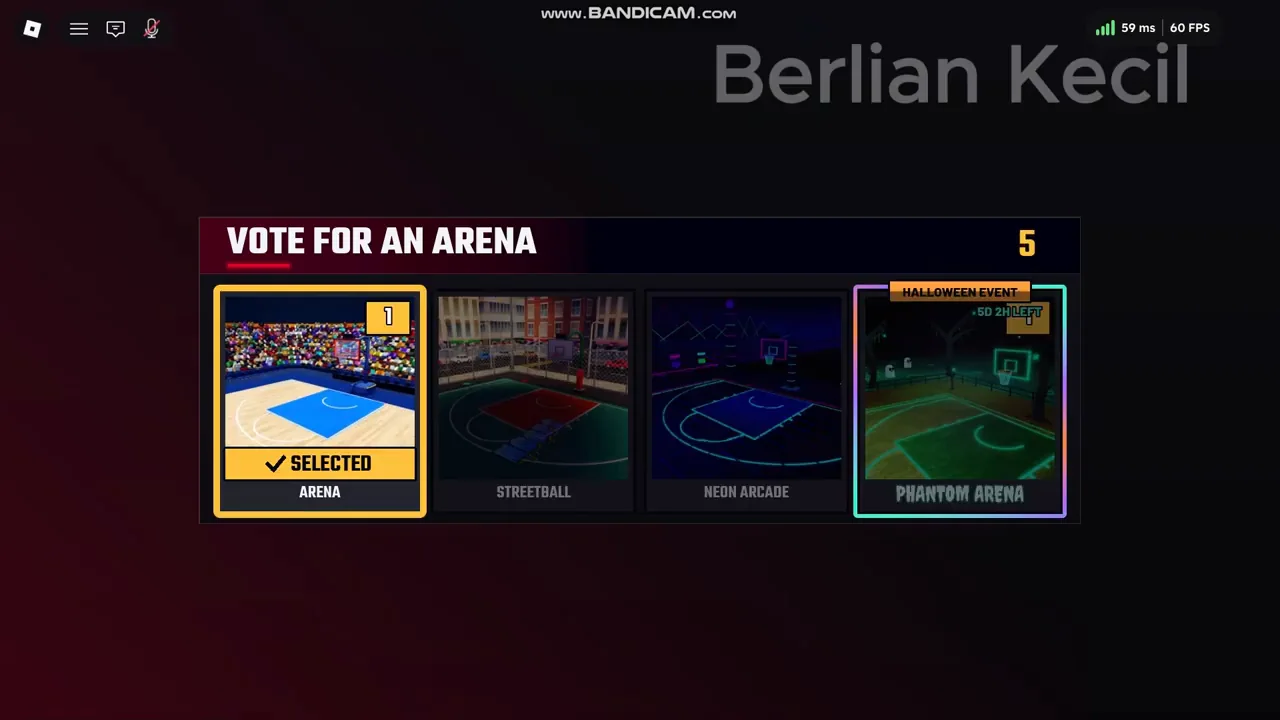
After a mode is selected, the recording shows a MATCH FOUND player-loading screen and then an arena vote. Let the game finish matchmaking and use the arena choices shown in your session. Queue duration and available arenas can vary.
The recorded arena vote demonstrates the flow into a match. It does not establish that every mode always uses the same vote or that any arena changes player statistics.
A useful first practice routine
- Move around and test sprint: WASD plus Shift on keyboard, or left stick plus RB/R1 on controller.
- With possession, practise a pass using the action shown on your HUD. The current official keyboard listing is F; the official controller binding is A/✕.
- Try a shot: Space is Shoot/Dunk on keyboard, and X/□ is Shoot/Steal on controller.
- After possession changes, test the defensive action. Observe the result rather than assuming a button always does the same thing.
- Bring a friend into 2v2 when both of you can recognise possession, pass and attempt a shot.
Give your teammate a passing option
As a starting strategy, avoid running both players into the same space. Give the ball carrier a visible passing option, move after a pass and react when possession changes. These are practice suggestions, with no verified claim about a shot-success formula, ideal release interval or steal cooldown.
For your next goal, use Controls as a device reference, Codes for free reward strings, or Quests for the daily and weekly progress interface.